

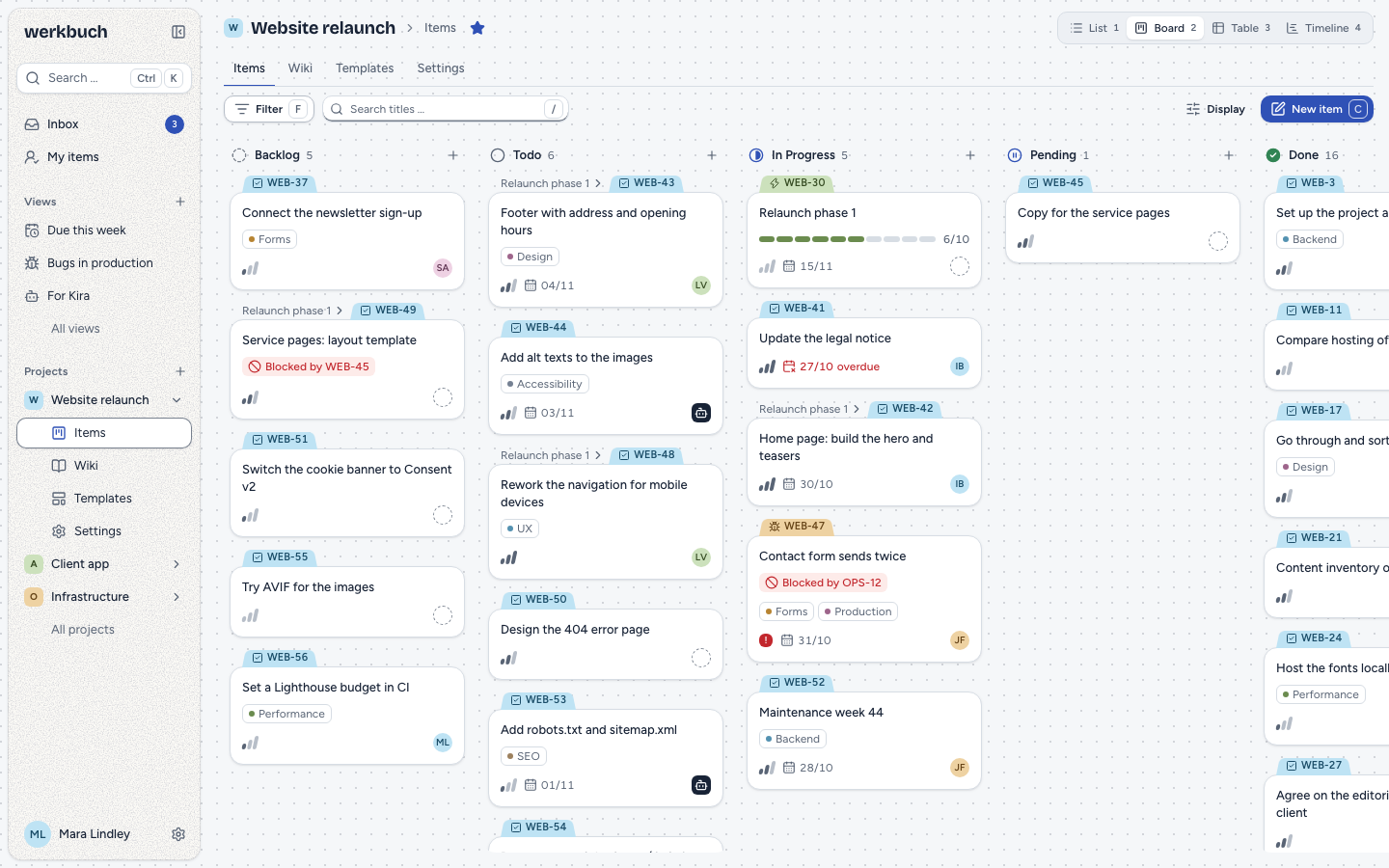
Types and workflows
Task, bug, client request – you decide which types there are, which fields each one has and which states an item goes through. A matrix says which moves are allowed, if you want one.
Types and properties
werkbuch is built for the keyboard. This list works like the real one: move with j and k, select with x, change the status with s, open with Enter.
All shortcutsClick a key or press it while the list is on screen.
werkbuch is project management for teams that want to keep their data on their own server. It runs as a Docker Compose stack: one image, MariaDB and Meilisearch, one port. The interface is in English and German.
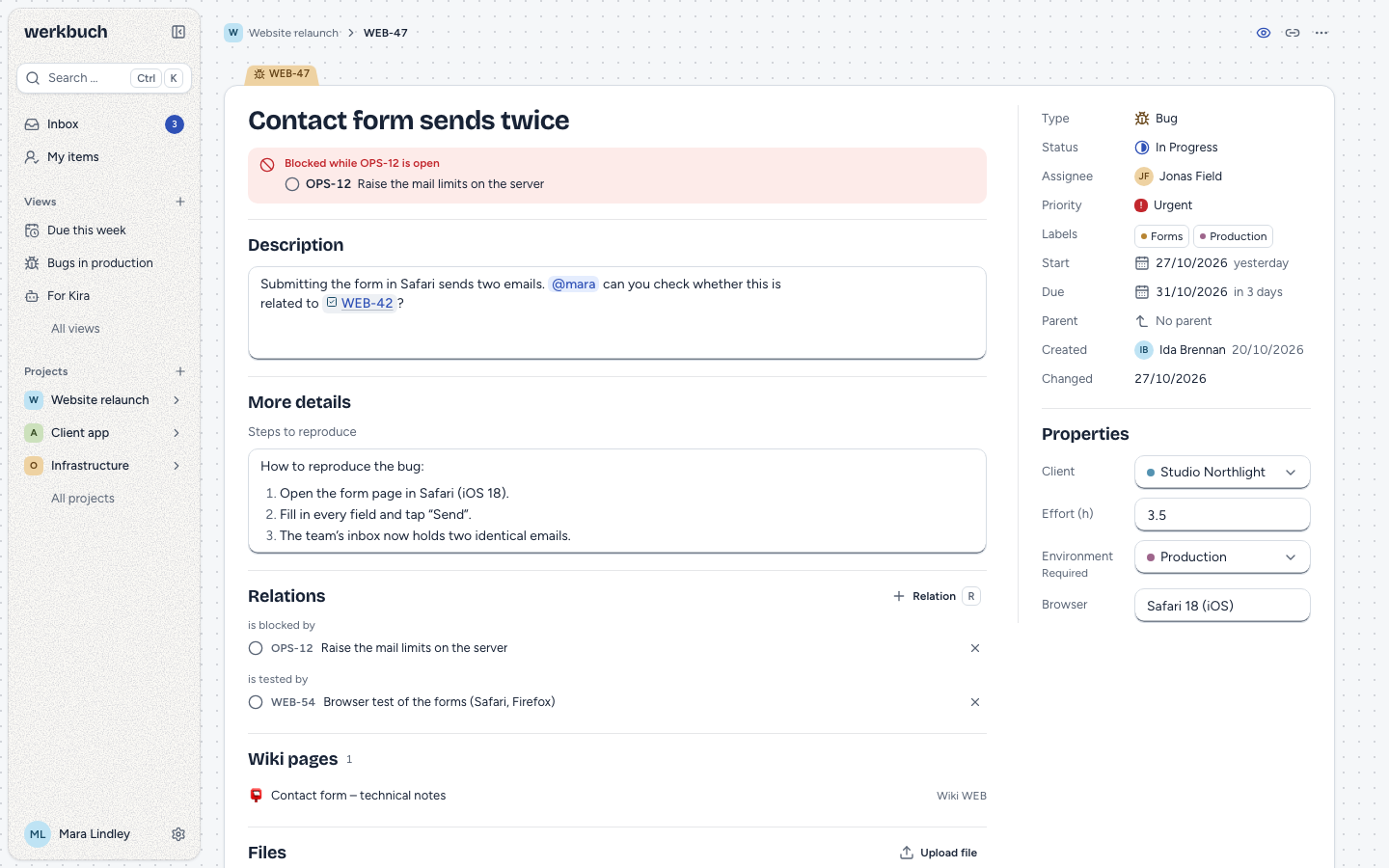
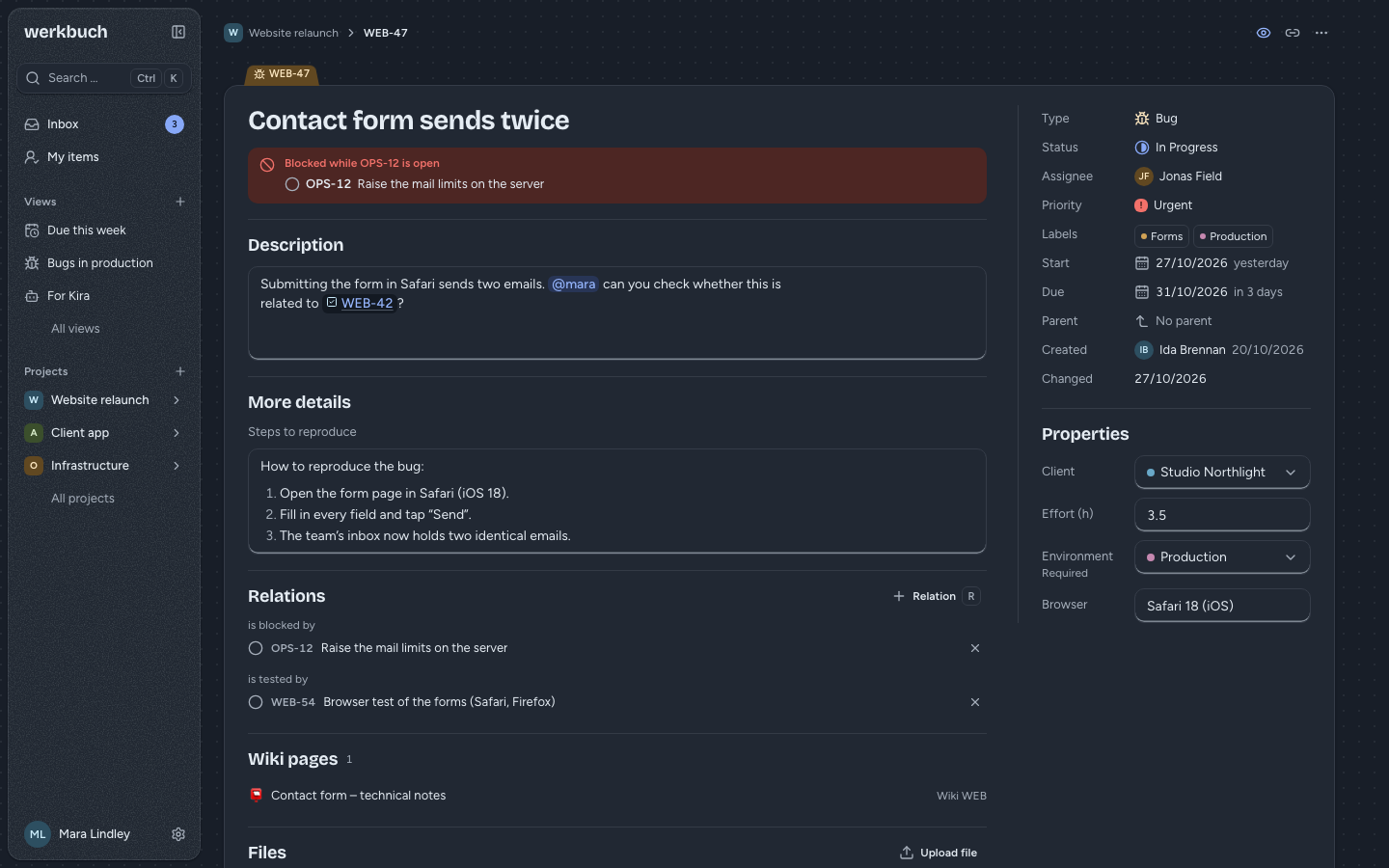
A work item on its own page: description, fields, relations, the wiki pages that mention it and the whole history.
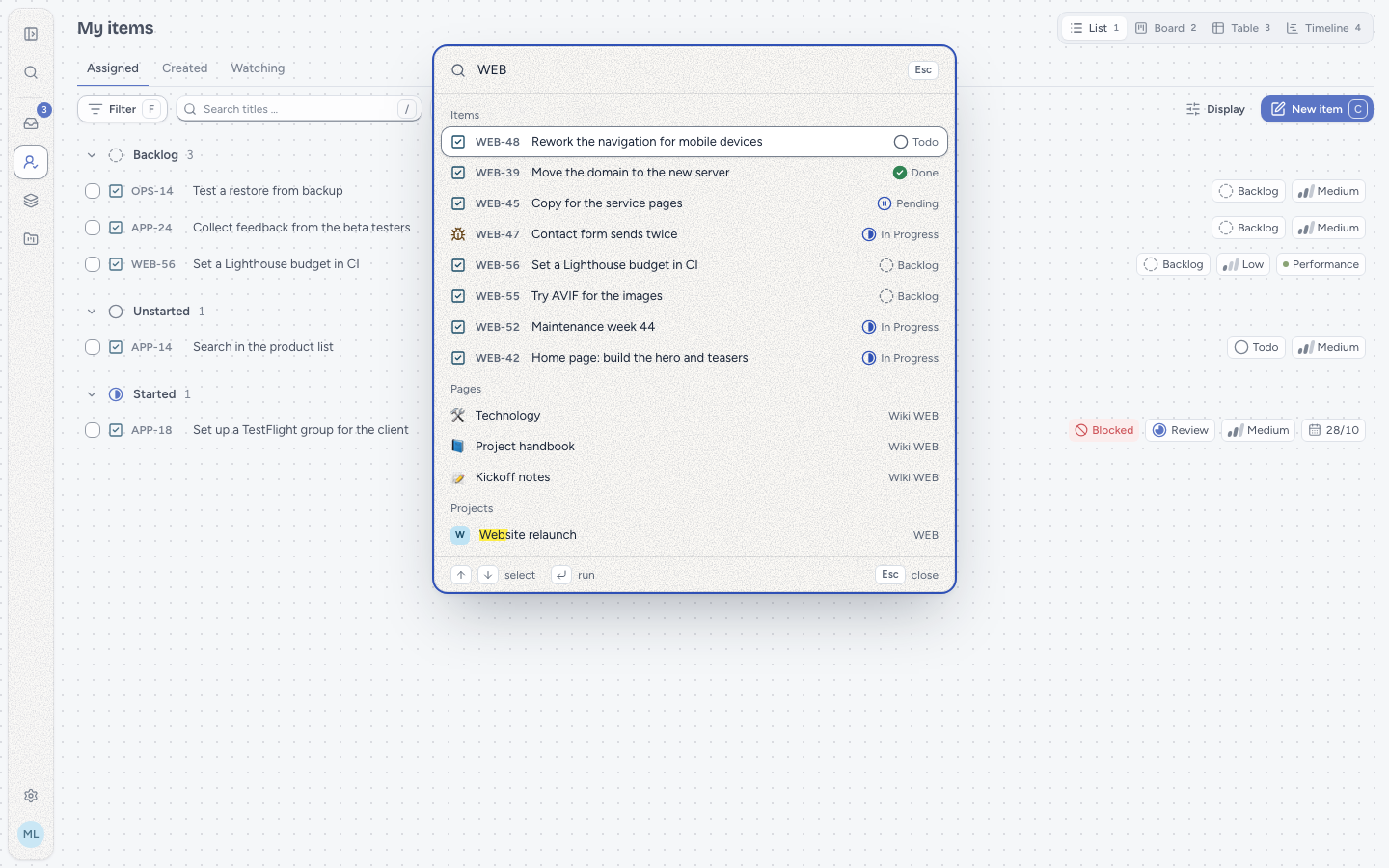
⌘K searches work items, wiki pages and projects at once, and runs every command.
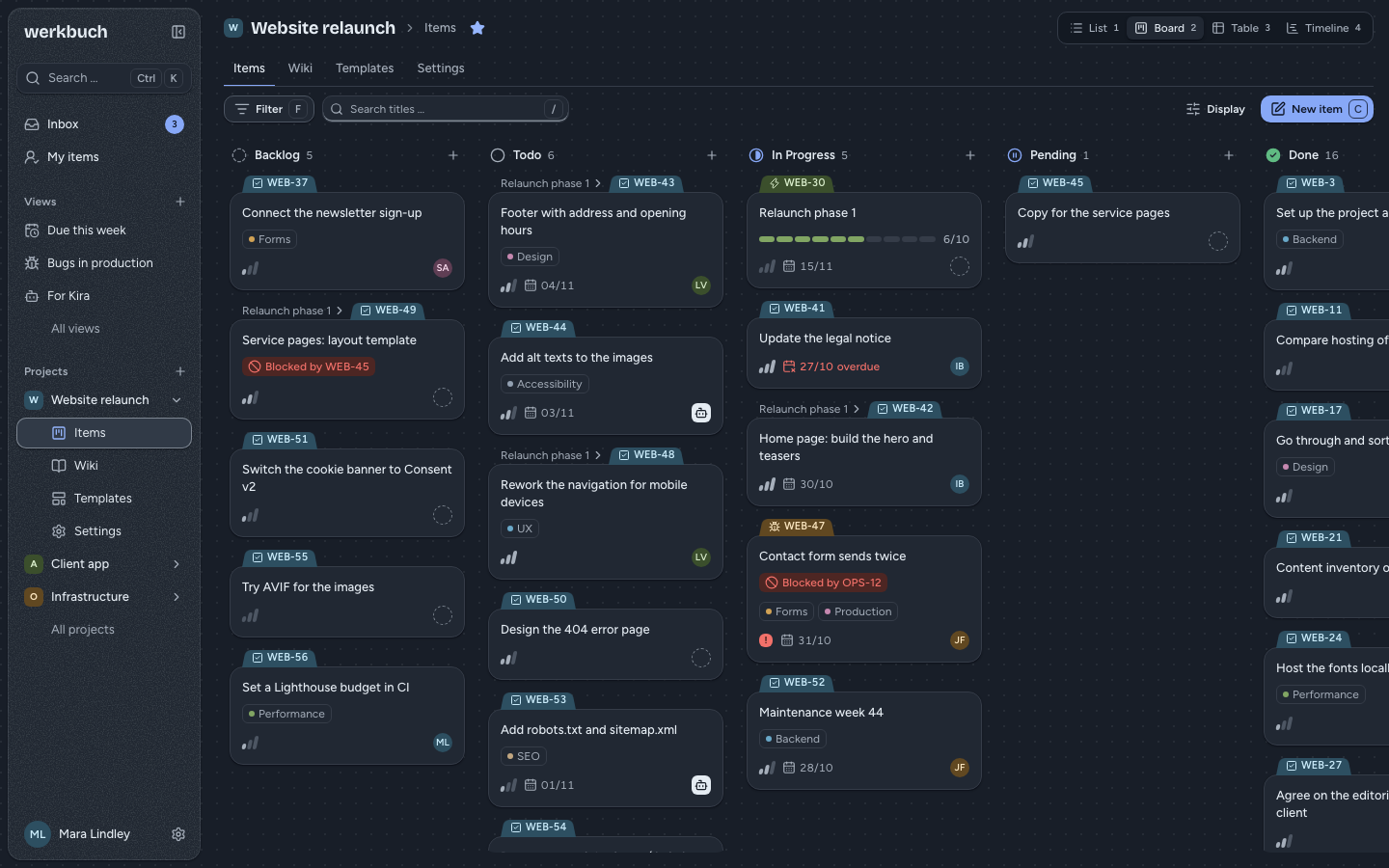
And the same page in the dark.
One Docker Compose stack: the werkbuch image, MariaDB and Meilisearch behind a single port. Your data stays where you put it.
Into Dockge, Portainer or a compose.yaml on your server.
The address, the first admin and two passwords.
werkbuch migrates, builds its search index and says ready.
docker compose up -dRead the setupv0.3.0 is the current release: the image baeroe/werkbuch is on Docker Hub for linux/amd64 and linux/arm64, what changed is under Releases. How to run werkbuch on a server is covered by Setup, Reverse proxy, Operations, Upgrading and Backup, working on the code by the development page. How everything works is under Concepts.